
Local Money Transfer

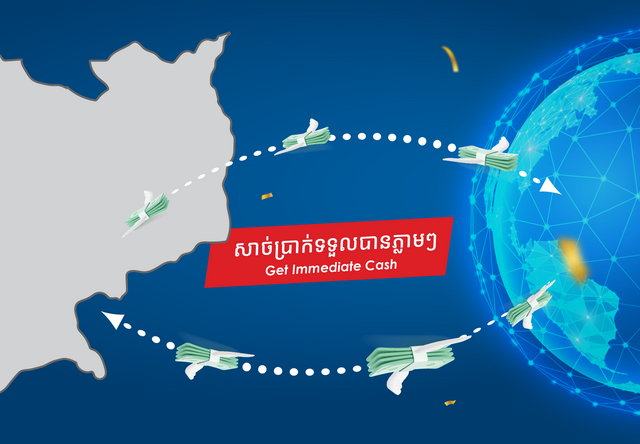
Experience the ultimate convenience with our Bank’s Local Money Transfer service. Designed for speed, reliability, and security, our platform connects you to a nationwide network, allowing you to transfer funds instantly to any bank across Cambodia.

Contact Number

Detail Information

  • The benefits of using Local Money Transfer with our bank are convenience, speed, reliability, and security. The initiative taken by our bank, in collaboration with all banks in Cambodia, allows you to transfer your funds instantly from your Bank account to other banks across the country.
    Outward transfers are payments you make to your nominated beneficiary at another bank, and Inward transfers are funds you receive from the remitter based in Cambodia.Right now, service is available for both the counter and the mobile app. With our easy-to-use mobile app, you can transfer money to any local bank account in minutes.

Benefit

  • Send and receive funds immediately, anytime you need.
  • Transfer seamlessly to any bank account across Cambodia.
  • Easy to transact directly from your mobile app without visiting a branch.
  • Every transaction is protected by our secure banking system.
  • Guaranteed successful transfers with our trusted inter-bank network.

Commissions, Fees, and Charges for Inward & Outward Local Transfer

Our local bank transfer service is available in KHR and USD with a low fee. We have partnered with more than 30 local banks so that you can transfer funds quickly and easily.

TypeCurrencyAmountFee Charge
InwardUSD/KHRUnlimitedFree of Charge
OutwardUSD/KHR≤ 200.000 USD (Equivalent KHR)Free of Charge
  > 200.000,00 USD (Equivalent KHR)10 USD (Equivalent KHR)

How to Send Money

At Counter

  • Visit the nearest Bank Branch location in your area
    and bring your original and valid National ID for Cambodians; original and valid Passport for foreigners.
  • Complete a simple ‘send’ form and hand this to our teller with the money you want to send and the transfer fee.

Mobile App

  • Launch the SBI LY HOUR’s Mobile App
  • Tap on Transfer
  • Select NCS
  • Choose the Bank you want to transfer money to
  • Enter the recipient’s details, such as Receiver’s Name, Bank Account, Amount and Purpose
  • Agree with the Terms and Conditions
  • Click ‘Continue’ Click ‘Confirm’
  • Or Click Guideline for Mobile Local Transfer for guideline

For More Information

  • Visit our nearest branch to speak with our staff directly.
  • Contact our Call Center for Guidance and Support via Facebook Page or call: 023 980 888 / 093 671 111

Terms and Conditions

Terms and conditions are subject to change at the discretion of the Bank without prior notice to the Customer.


Related Remittance Services